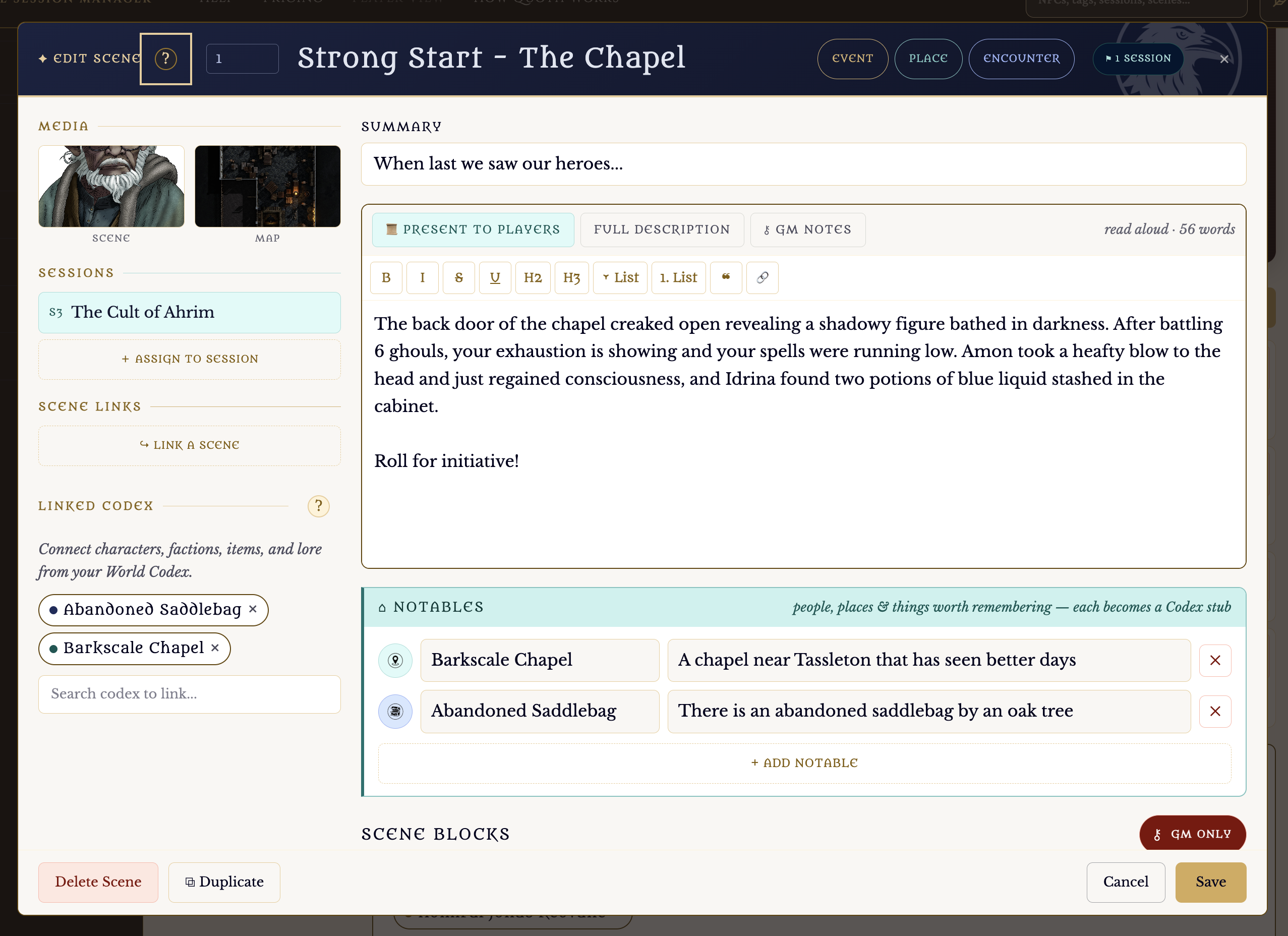
When you are creating a scene you can go light. Write down a few ideas for the scene, and then just be done. OR you can get inspired. I'm a fan of Mike Shea's Lazy DM books. There's a place for rumors, traps, puzzles, linking to other scenes you created, and tables. In QuothGM, you can create custom tables for just about anything. But, one of the most powerful worldbuilding tools is adding Notables. Here, you can just add - well - anythings. people, places, things, history, ideas, whatever comes to mind that the player might run into. A cabinet with a healing potion. A vendor with some homemade bread. The blacksmith named Jeb.
Notables. You can add as many as you want here. Whatever pops into your head.
Then start adding stubs for everthing you might include in that scene.
When you are done, click "Create Codex Entries." Just check the ones that will become codex entries. The things that will become more important as your world grows. Maybe Jeb the Blacksmith becomes the PCs' favorite NPC.
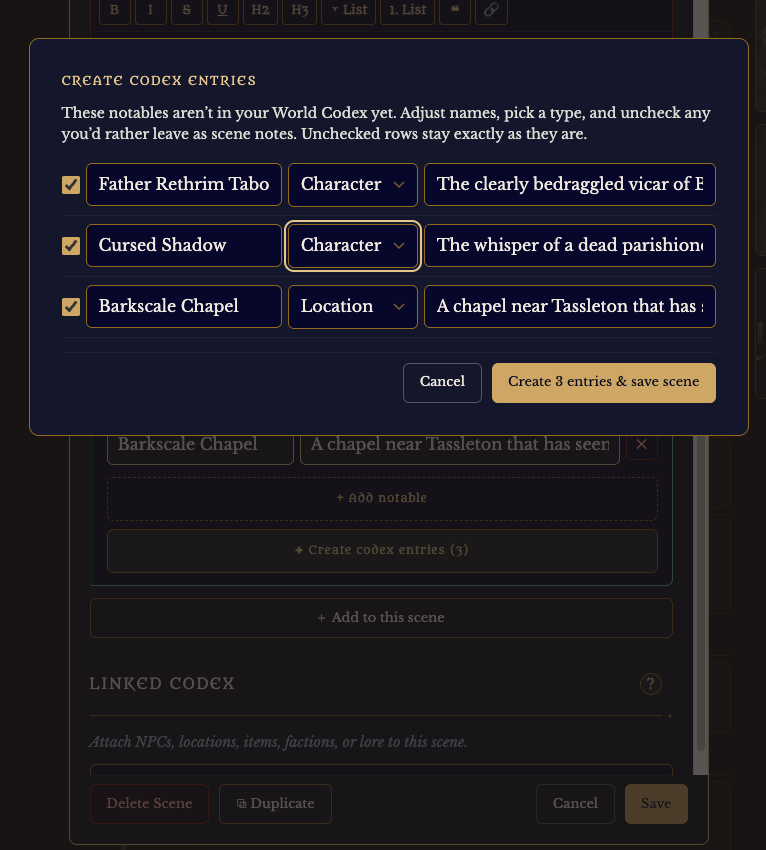
Choose the Codex type and you are ready with more entries to fill in the details later.
Those new entries are automatically linked to the Scene.
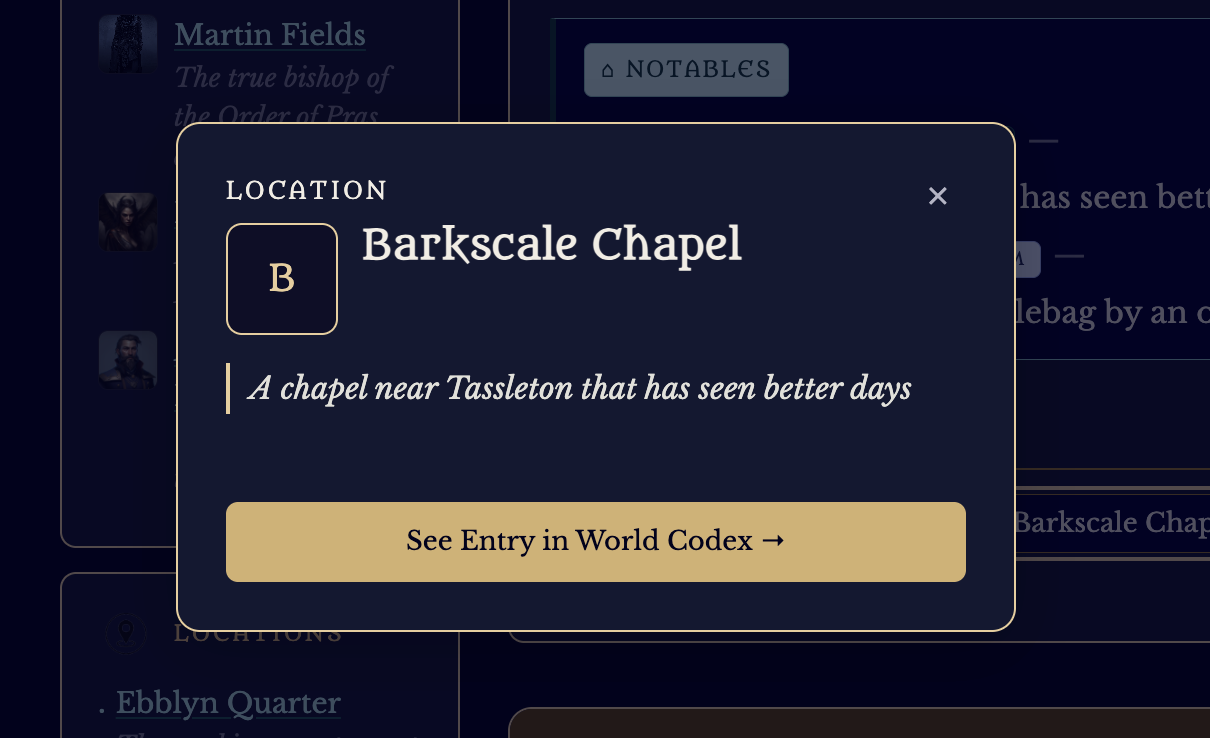
You can click the link later to add in your details if that place or person or whatever becomes important.